
Space Between combines a phone compass, floor plan records and traditional cultural references in an iOS app. The compass helps observe directions and record orientation; this website provides guidance and references. Available tools depend on your installed app version.
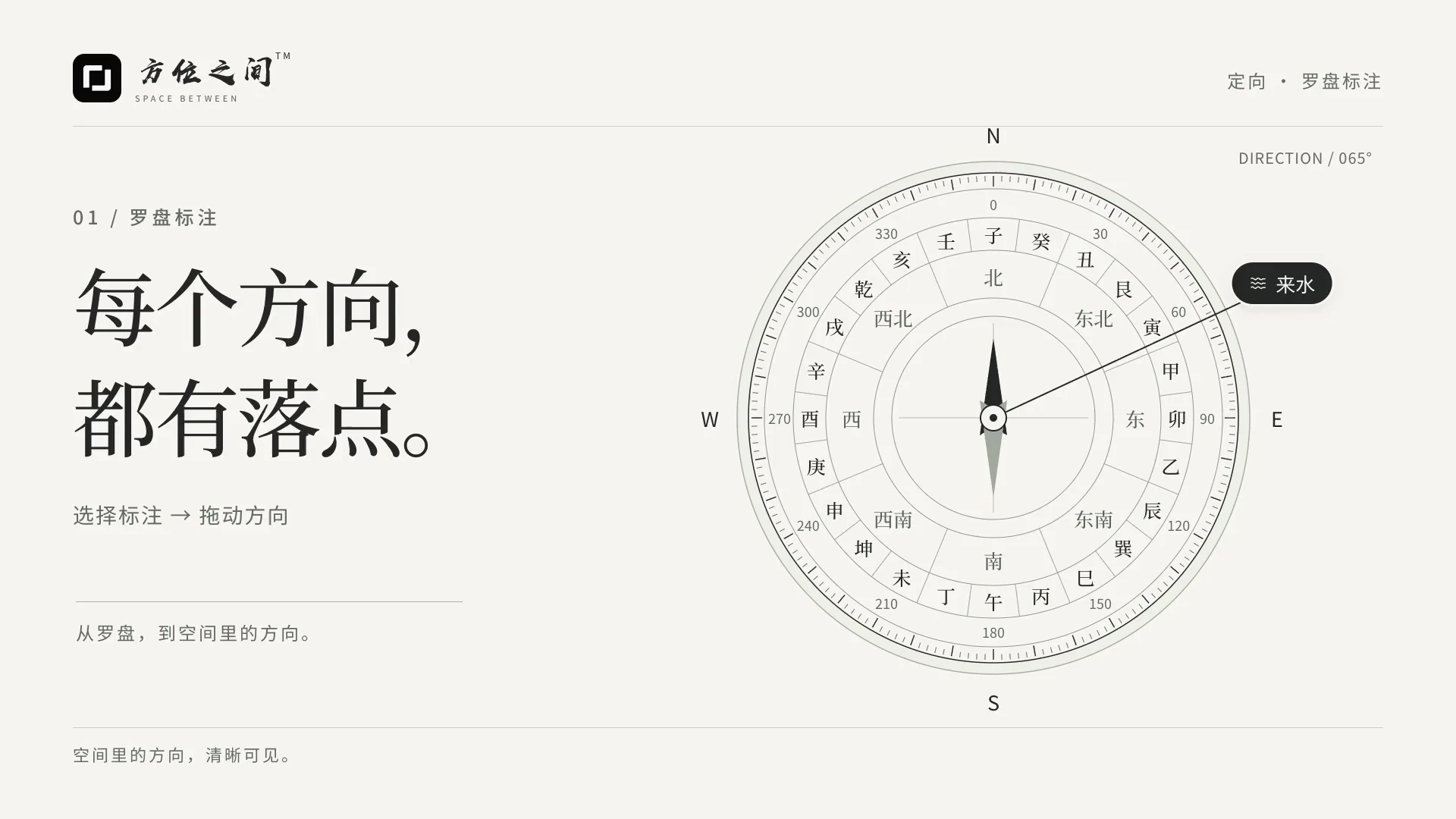
Which should I use: a phone compass, a map or a manual bearing?
Space Between is an iPhone and iPad app for compass bearings, floor-plan records and discussion. Use device readings on site, a map for remote preparation, or manual input for an existing measurement. Compare bearings only after checking the same measurement axis and north reference; a map bearing is not an on-site measurement.
| North reference | When to use it | What to verify |
|---|---|---|
| Device magnetic north | Record an on-site direction relative to magnetic north. | Avoid metal and magnetic accessories; a system accuracy estimate does not replace an on-site check. |
| Device true north | Record a true-north bearing when a valid reading is available. | True-north calculation requires location information; do not compare it directly with magnetic-north records. |
| Map or manual input | Prepare remote spatial records or enter an existing measurement. | Record the angle source, north convention and reference point; manual values are not sensor measurements. |
Sources and instructions
How does a phone compass differ from a traditional luopan?
A phone compass uses device heading data; a traditional luopan combines a magnetic needle with reference rings. These layers express traditional rules and do not improve sensor accuracy. Choose software by checking its heading source, north reference and uncertainty indicators before its layers and references.
Choose a reference axis before measuring home orientation
Specify whether you are measuring an entrance, building facade or room. Read along the selected axis and record the location. A casual phone heading is not the orientation of the whole home. Do not mix magnetic and true north; label the source of manually entered angles rather than presenting them as field measurements.
Calibration: a stable reading can still be inaccurate
Move away from magnetic accessories, large metal objects, appliances and vehicles. Repeat readings at several positions and record differences. If accuracy is insufficient or true north unavailable, retain that uncertainty and remeasure before drawing conclusions. Changes to the axis, phone alignment or location can also change results.
How do I enable Measurement Mode?
Go to My, open the drawer and enable Measurement Mode. The bottom navigation changes to Compass, Tools and My; messages move to the top right of My. Measurement Mode is off by default. Disable it to restore normal navigation.
Device follow, manual rotation and direction records
Enable Gyroscope at the top right to follow your device, or disable it and drag the dial to rotate. Swipe up to open compass tools, choose Set as Facing under Calculations to record the current direction, then enable Lock Calculation if needed. Check magnetic north, true north and the angle source; do not label a manual angle as a measured reading.
How do I mark water outlets, incoming/outgoing water, dragon and landforms?
Choose an item under Markers, then drag its marker on the dial to adjust bearing and line length. Enabled at the top left lets you remove items individually; All opens the full list. Collapse the tools to keep working on the dial. If several items share a bearing, open the grouped marker to inspect them individually.
How do I move the reference point in Map Compass?
Open the map from the top left of the compass and allow location access to see your position, or search a place or enter coordinates. Use Map in the bottom panel to select standard, satellite or hybrid views. Drag the dial to move the reference point, use two fingers to zoom or rotate, and drag outside it to browse the map. A single tap does not move the reference point; it records a measurement point only after you explicitly select a role such as water outlet.
Where are ring, feedback and saved-dial settings?
In compass tools, select visible rings under Rings, adjust colors, ring widths and feedback intervals under Settings, and save or review dials under Records. Haptic and sound intervals can be set separately. Keep the measurement source and unverified observations with your field records.
Questions and answers
What belongs in a bearing record besides the angle?
Example record, not a field measurement: Home A, entrance-door axis, viewed from inside facing out, manually entered 172°, north reference unconfirmed. The website’s 24-direction tool can classify that input, but cannot establish its source. Create a separate record when measuring the balcony or changing to true north. On site, add device, time, position, repeat readings and nearby metal objects; keep unconfirmed fields unknown.