Scan a real room
Requires a device equipped with LiDAR and compatible with Apple RoomPlan, as well as granted camera permissions. Availability of scanning functionality is subject to the in-app device check results.
 方位之间
Space Between is an app for iPhone and iPad for compass orientation, floor-plan recording and discussion.
Includes device and map compasses, input-based traditional rule calculations, LiDAR room scanning, 2D floor-plan editing, 3D previews, plan sharing and discussions with advisers.

The iPhone and iPad app is now available on the App Store. Availability depends on the store for your Apple Account region; it is not currently offered in mainland China. The Android version is not yet available.
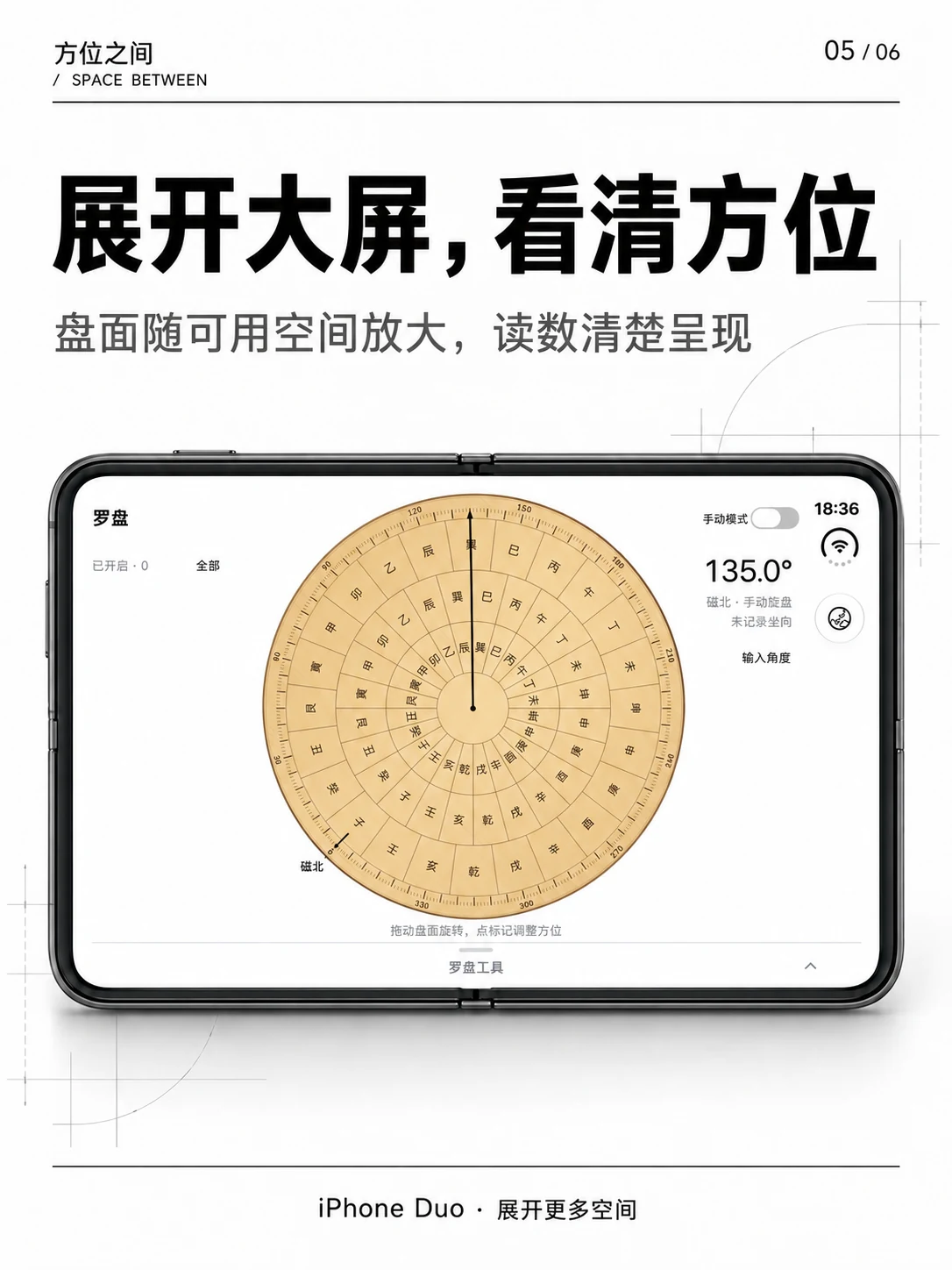
Unfold a larger view of your bearings. The compass dial and readings adapt to the available screen space.
Requires a device equipped with LiDAR and compatible with Apple RoomPlan, as well as granted camera permissions. Availability of scanning functionality is subject to the in-app device check results.
You can start with a compatible JSON file or a preset floor plan even without LiDAR. Floor plan viewing and editing on iPhone use landscape mode, while iPad supports orientation-based rotation.
The floor plan currently being edited is saved locally. Please manually save or export important designs, and verify visibility settings and personal information before publishing.